PhotoStudio
How-to · 3 steps
Swap the background
for a surface
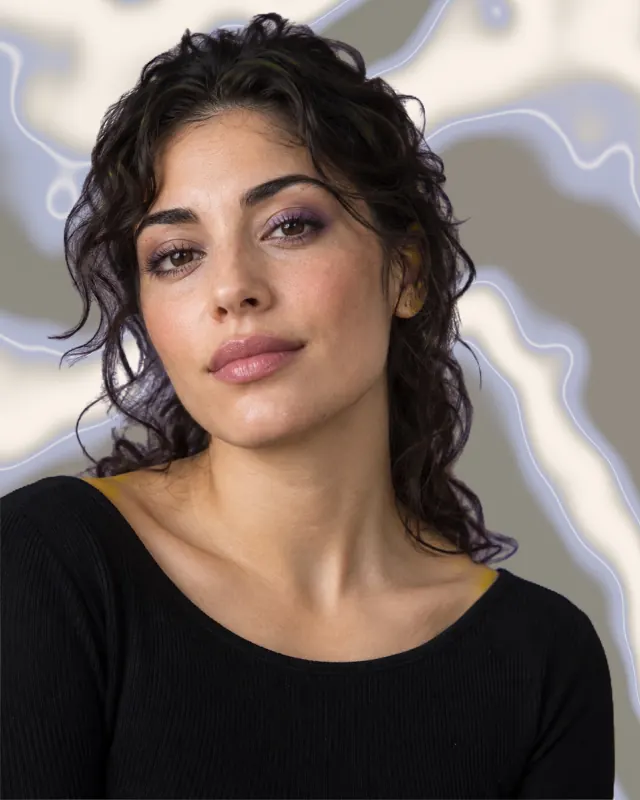
The person stays in front; liquid chrome, aurora or paper goes behind. The Visual Atelier separates them on your device.
Steps
- Open PhotoStudio and pick a photo where the person is clear.
- Tap Design, then Visual Atelier; choose a surface from Ready looks.
- Tap Apply design, then Save.
With PhotoStudio installed this link opens the how-to in the app; otherwise get it on the App Store.