 PhotoStudio
How-tos
With your own photo, in a few taps: the jobs people ask about most in PhotoStudio, step by step.
-
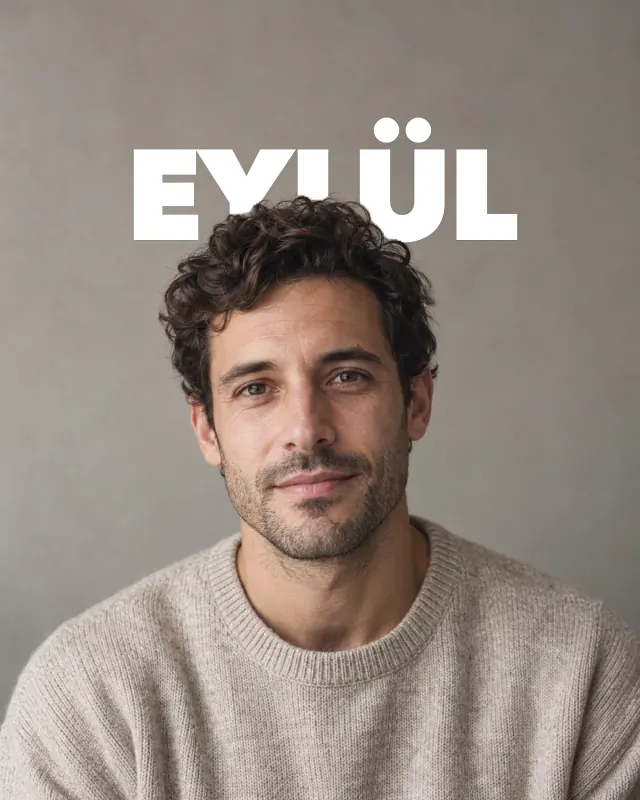
Put the text behind the person
A big title behind, the person in front, like a magazine cover. PhotoStudio finds the person on your device and slips the headline behind them; no masking by hand.
-
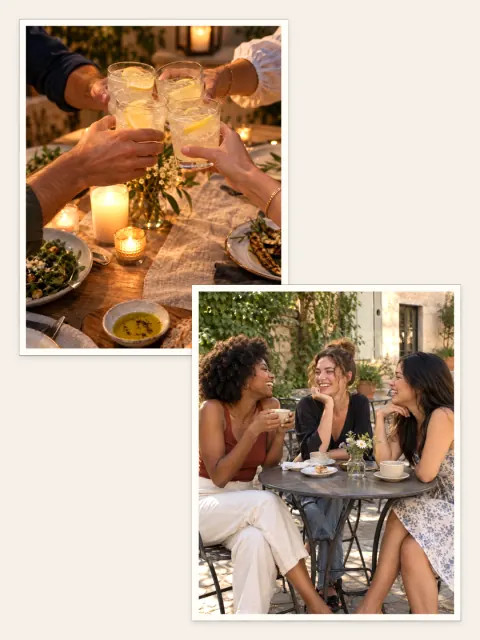
Photo dump to carousel
A week of photos as swipeable slides, with a cover, one look across every slide and a closing collage.
-
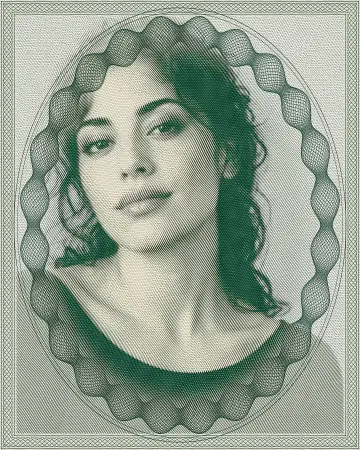
Banknote effect
Your photo printed like a fine-line currency engraving in one ink, on the subject, the background or both.
-

Swap the background for a surface
The person stays in front; liquid chrome, aurora or paper goes behind. The Visual Atelier separates them on your device.
-

Save and apply a preset
Set light and colour once; the same look on your next photos in one tap.
-
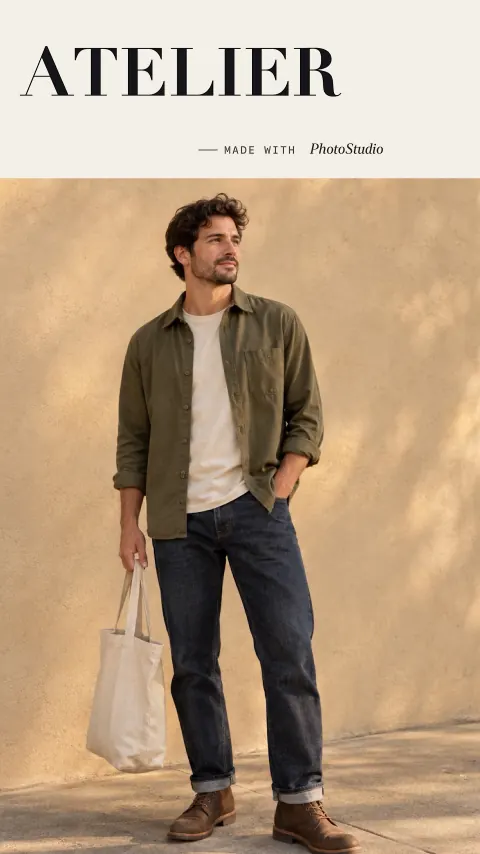
Save every size at once
The same design at 3:4, 4:5, 1:1 and 9:16, each its own file. The 9:16 card shows the Story and Reels safe area.
-
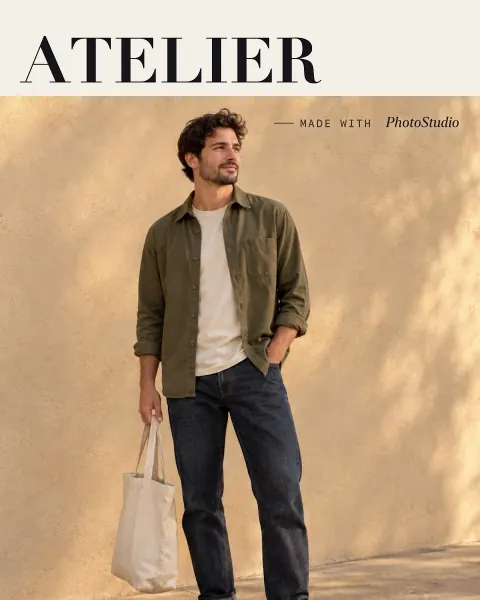
Magazine cover
An editorial cover with a masthead from one photo: the month in the title, faces kept clear.