 PhotoStudio
Expert carousel
Cover, evidence and data cards and a closing card come ready; you fill in the topic and the text. A swipeable series in minutes.
For · Dietitians
Explain "What's missing at breakfast?" or a "Label-reading guide" with evidence and data cards; PhotoStudio builds the cover, the slide layout and the closing card. No separate design hours needed.
Cover, evidence and data cards and a closing card come ready; you fill in the topic and the text. A swipeable series in minutes.
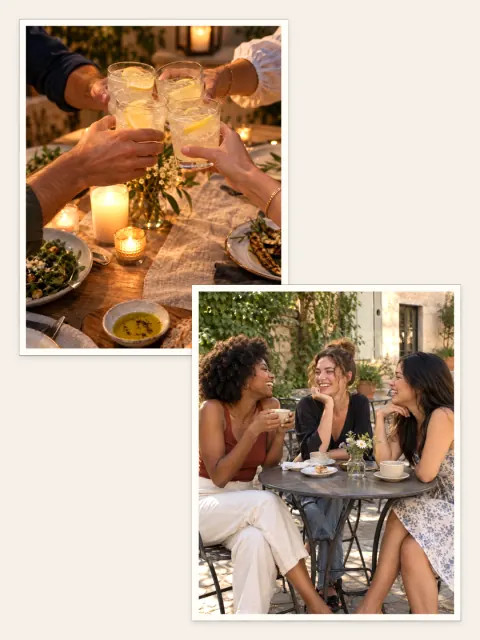
Weekly menu, grocery list or "this week's plate" collage — your photos lay themselves out.
"Slots open", "New online consultation hours": announcement covers with the headline set behind you.
Save the layout you built as a preset; recurring series like "Monday notes" always ship in the same identity.
Educational posts earn trust through tidy, readable series. PhotoStudio places your photos, puts the headline behind you and keeps every slide speaking the same language.



No. Photos and projects stay in the app's private storage on the device; PhotoStudio does not upload them to its own servers.
Yes. Save your layout as a preset; every new carousel applies the same identity in one tap.
No. The expert layout ships with a cover, data cards and a closing card; you only swap the text and photos.