 PhotoStudio
Before/after showcase
Cut, colour or makeup: before and after side by side, or as a two-slide carousel. The difference speaks through the design too.
For · Hair and beauty
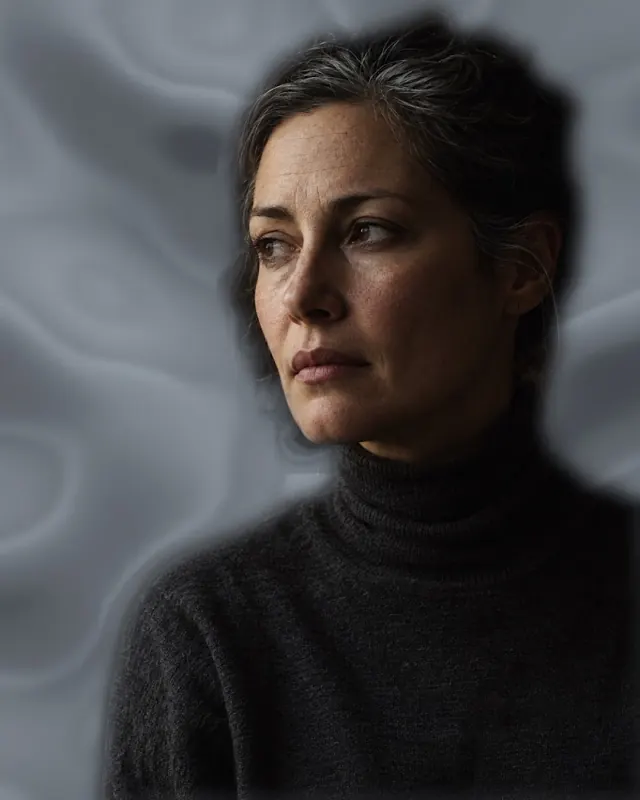
Pick the photo of the client who just left the chair; PhotoStudio turns it into a polished post. Consistent film tone, clean layout, a headline behind them if you like — and a fuller booking calendar.

Cut, colour or makeup: before and after side by side, or as a two-slide carousel. The difference speaks through the design too.
The same film tone on every photo: warm lith, silver grain, halation… Your salon's signature is set once as a preset.
"Keratin deal this week" or a price list: 9:16 format, headline behind the person, ready to post in minutes.
Polish the client's own shot with surfaces and effects; even bad salon lighting comes out looking like the front window.
A feed's strength is consistency: when every post ships in the same tone, the page becomes the salon's storefront. Set it once, keep it as a preset.


No. Free or Pro, exports carry no watermark; nothing but your salon's name goes on them.
When you apply a look, the Before chip shows the original; use the comparison as one image or a two-slide carousel.
Save the tone as a preset; every new photo gets the same look in one tap.