 PhotoStudio
Product on a surface
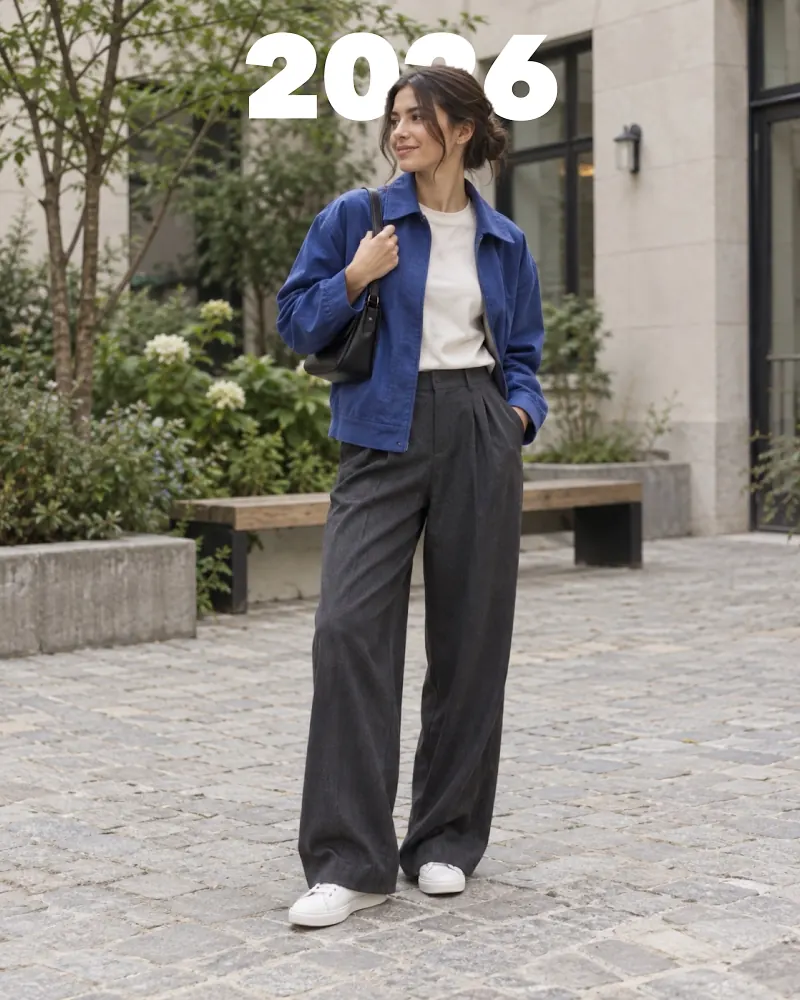
The product or model is cut out; paper, colour, liquid chrome or texture slides in behind. An ordinary counter shot turns into a catalogue look.
For · Boutiques and online sellers
Pick the product photo you took on the hanger or the counter; PhotoStudio cuts the background and sets the item on paper, colour or chrome. Studio-shot look — without a studio.

The product or model is cut out; paper, colour, liquid chrome or texture slides in behind. An ordinary counter shot turns into a catalogue look.
Gather new arrivals in one frame: a "New season" collage or a swipeable carousel lays out up to 24 photos automatically.
"Last 3 pieces", "20% off" — headlines sit behind the product or the model; announcements that get noticed and suit your brand.
Instagram post, Story, WhatsApp Status and a square catalogue image from one design — plus a transparent PNG option.
Swapping the background takes no manual masking: PhotoStudio finds the subject on the device and slides the surface behind. Save the same surface as a preset and every collection ships in the same storefront.


Yes. The product or model is separated on the device; paper, colour, chrome or texture surfaces go behind. Transparent PNG export is available too.
One design is enough: 9:16, 4:5, 3:4 and 1:1 all export at once.
Yes. Save the surface, tone and layout as a preset; every new product gets the same storefront in one tap.