PhotoStudio
How-to · 3 steps
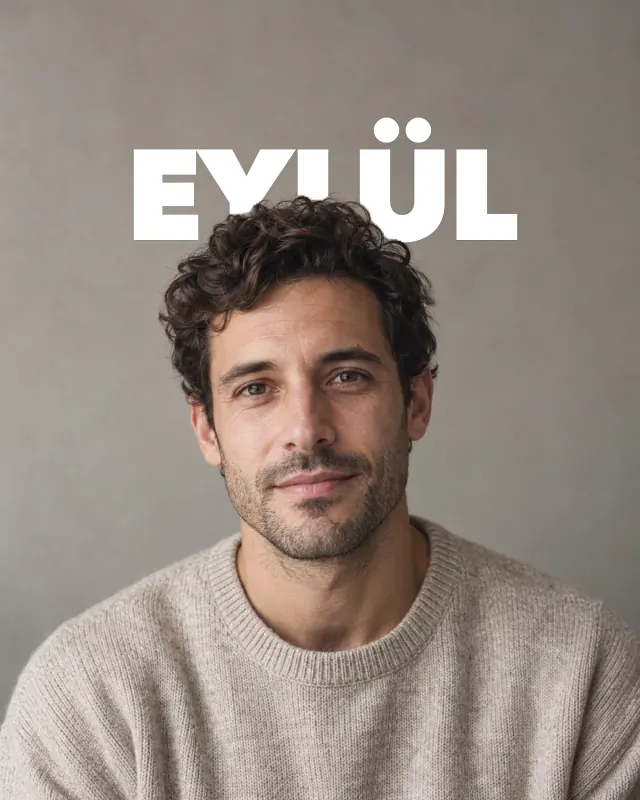
Put the text
behind the person
A big title behind, the person in front, like a magazine cover. PhotoStudio finds the person on your device and slips the headline behind them; no masking by hand.
Steps
- Open PhotoStudio and pick a photo with a person in it.
- In the “What you can make with it” row, tap Title behind.
- Tap Edit to change the words, then Save.
With PhotoStudio installed this link opens the how-to in the app; otherwise get it on the App Store.